Free screenwriting software
Write the screenplay. Know what changed.
DraftWell is a free screenplay editor for writing alone or together. It formats the page, saves private work on your device, and keeps working offline—without a subscription.
- No account to start
- Works offline
- Local by default
- Professional exports
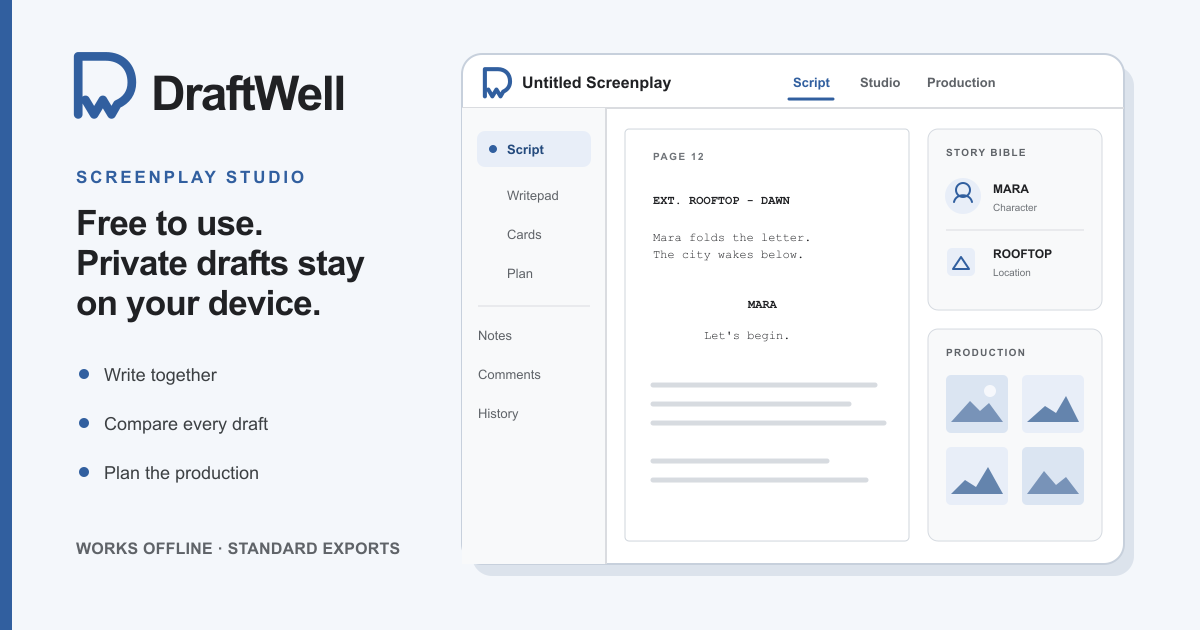
Free means the whole writing workspace.
No project-count limit, export lock, forced watermark, or paid plan.
Made for screenwriters
The parts that matter between page one and the shooting draft.
Formatting that follows the writing
DraftWell keeps professional screenplay formatting in place while you write: scene headings, action, character cues, dialogue, dual dialogue, page breaks, and title pages. Export a professional PDF, or import and export editable Final Draft (.fdx) and Fountain files.
Recent drafts have a clear way back
Automatic saves, named drafts, scene-aware comparisons, and readable inline differences make version history useful without asking you to think like a developer. Download a complete project backup whenever it matters.
Private alone. Live together.
Private projects stay in this browser by default. When you choose Share, DraftWell creates a server-backed collaboration copy for live co-writing, comments, presence, and clear access levels.
One connected project
Write the pages. Keep the story around them.
Scene cards, a flexible story plan, Writepad notes, and a Story Bible stay linked to the screenplay. Rename a linked character in the Bible and the character cues update in the script. Table reads, revision colors, page locks, breakdowns, sides, reports, and visual production tools are there when the draft reaches them.
- Write
Professional pages with keyboard-first formatting and quiet focus controls.
- Revise
Named drafts and plain-language comparisons that show what changed.
- Share
Invite a co-writer or reviewer only when the project should leave your device.
- Produce
Carry the same script and Story Bible into revisions, sides, reports, and visual planning.
Nine starting formats
Not every script is a feature film.
Start in the right format, then change the details without fighting a generic word processor.
- Feature film
- One-hour television
- Half-hour television
- Short film
- Stage play
- Audio drama
- Podcast
- Vertical video
- YouTube
Optional by design
The editor does not need AI.
AI features start hidden. If you enable them, DraftWell can connect to your own local Codex companion for deliberate review, confirmed edits, or visual production work. No screenplay or project context is sent until you start an action.
Before you begin
Questions screenwriters ask first.
Is DraftWell really free?
Yes. The screenplay editor, projects, version history, collaboration, planning, production tools, and exports are available without a subscription or paid feature gate.
Do I need an account to start writing?
No. Open DraftWell and start a private project on your device. A network copy is created only if you deliberately share the project for collaboration.
Does DraftWell work offline?
After one complete online visit, wait until Save says Available offline. You can then reopen the editor and work without internet. Live collaboration and optional Codex actions still need a connection.
Where are my screenplays saved?
Private projects, images, and version history are saved in this browser by default. Because clearing browser data can remove them, DraftWell also provides a complete project backup you can keep somewhere else.
Can I write with a co-writer in real time?
Yes. Share creates a collaboration copy with live co-writing, comments, presence, and owner, editor, or reviewer access. Your ordinary private drafts are not uploaded just because you write in the editor.
Can DraftWell open Final Draft and Fountain files?
DraftWell imports Final Draft (.fdx), Fountain, plain text, and complete DraftWell projects. It exports professional PDF, FDX, Fountain, printable pages, and a portable full-project backup.
Can a first-time screenwriter use DraftWell?
Yes. Start on a blank professionally formatted page, or run the optional guided onboarding to learn the editor, saving, planning, and collaboration in context. You can replay the guide later from Preferences.
The page is ready
Start with a blank script. Bring the rest in when you need it.
Open DraftWellNo account. No card. No subscription.